01 / Read the counts
Find room in the rows.
Each row and column shows tents placed / tents needed. A zero rules out tents on that line. Mark a square Grass when you know it can stay clear.
A little logic. A little breathing room.
One tent for every tree. Read the counts, leave a little space, and find the arrangement that makes the whole camp fit.
Available now for iPhone & iPad
Free on the App Store. No ads or in-app purchases.

Small rules. Thoughtful discoveries.
Try three short practice steps for zero clues, tree pairing and tent spacing, then start your own small clearing. The numbered campaign introduces new deductions, then brings familiar clues together in more demanding boards.
01 / Read the counts
Each row and column shows tents placed / tents needed. A zero rules out tents on that line. Mark a square Grass when you know it can stay clear.
02 / Pair the trees
Every tree needs its own tent directly above, below, left or right. A diagonal square does not make a pair.
03 / Leave some space
Tents cannot touch, even at a corner. Combine the counts and tree positions until every tent has a place.
Inspect the reason before choosing whether to apply it. Tent, Grass and Erase keep choices explicit; free Undo, Redo and Reset make exploration reversible.
From the game
Keep your attention on the puzzle, with named tools, visible counts and optional larger cells. Sound, haptics and calm motion are yours to choose.
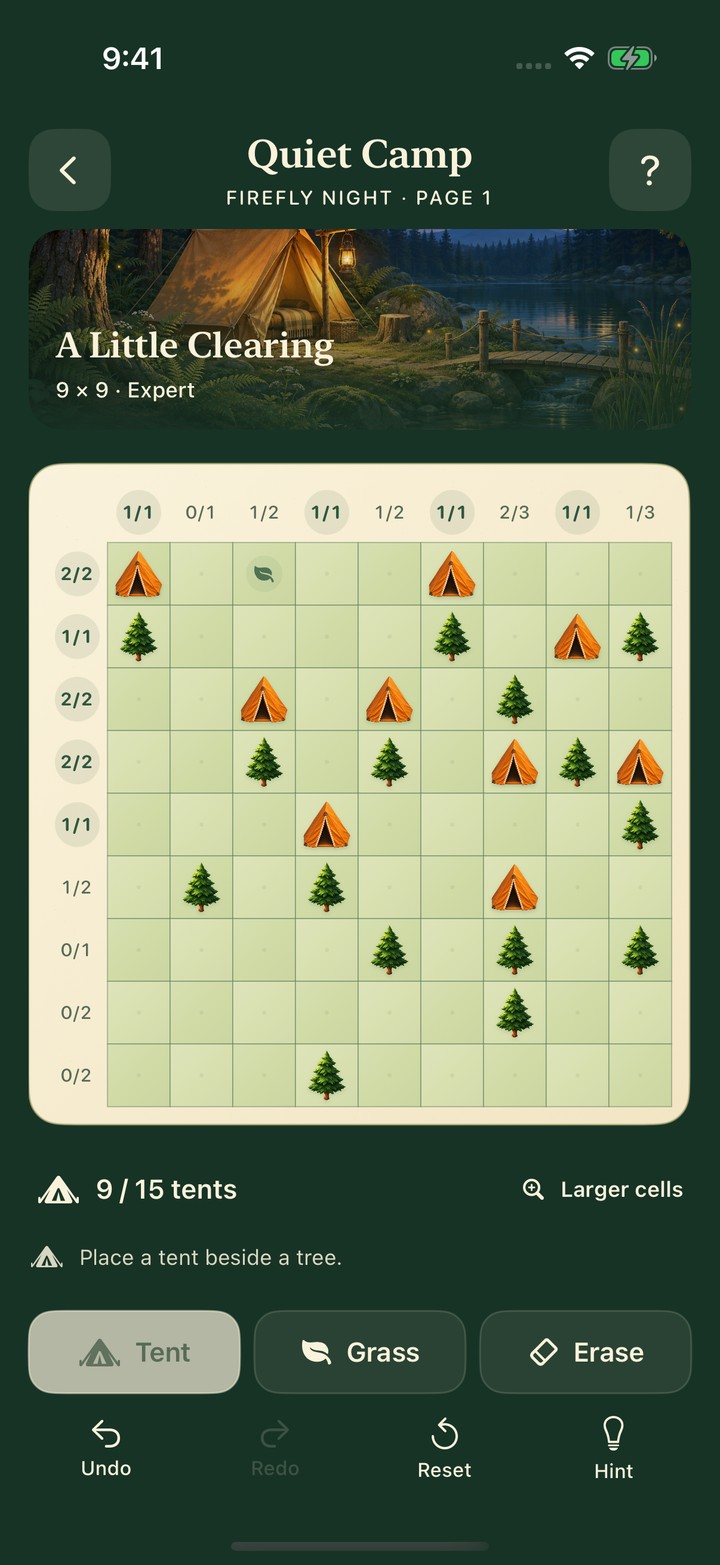
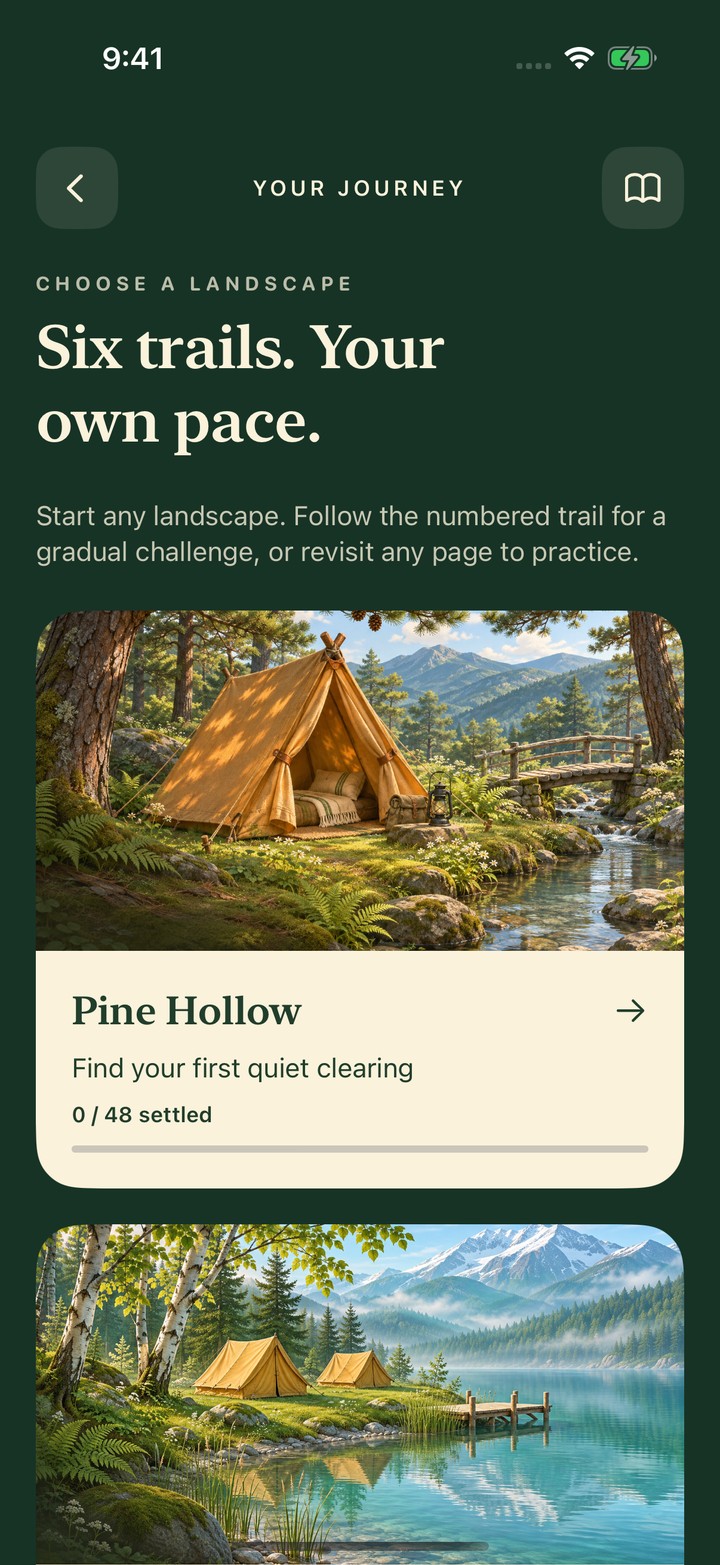
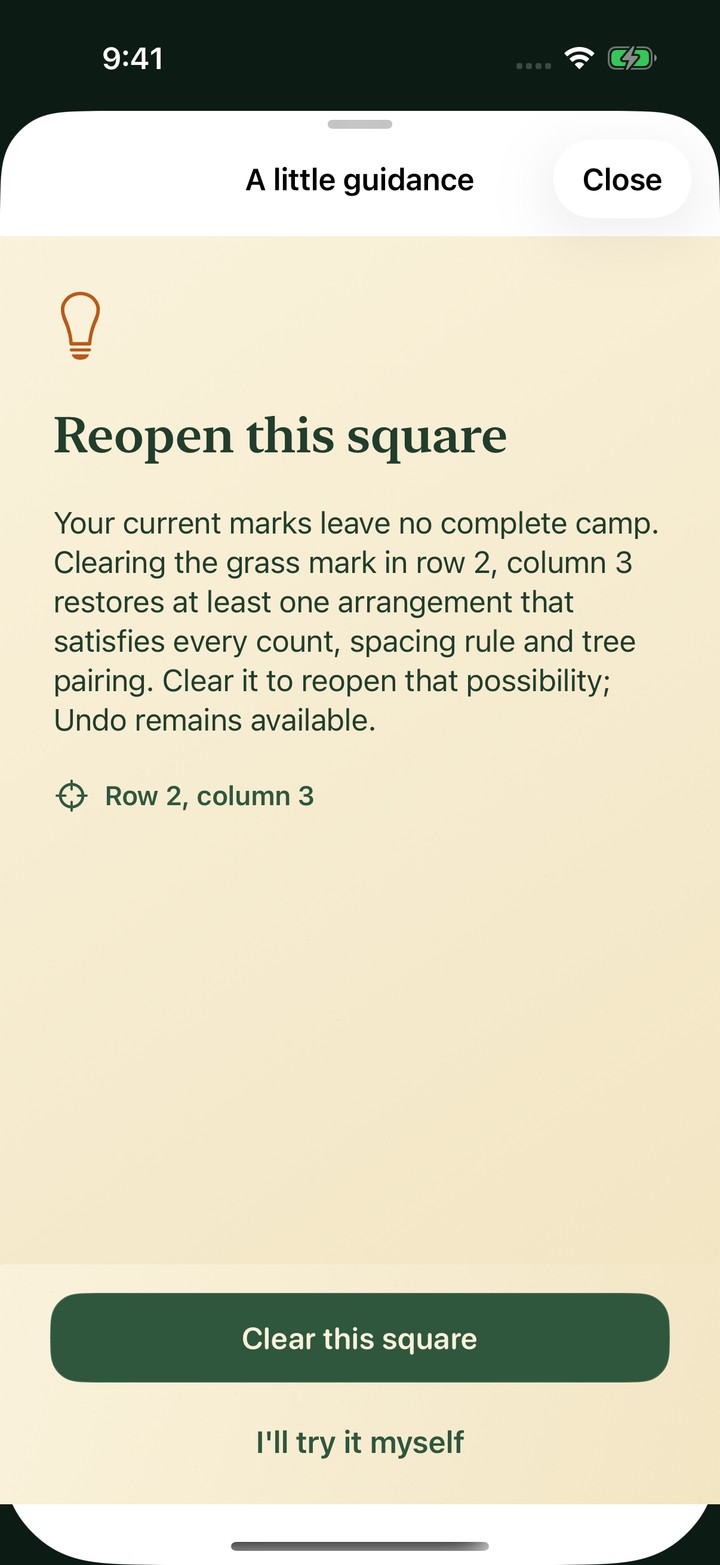
Actual native app screenshots from the 1.0.0 release candidate in Apple's simulator. Artwork is part of the game; this website is a preview, not a playable browser version.
Six places to slow down
Each landscape has 48 different campaign puzzles. Follow the numbered trail for a gradual challenge, or choose another landscape for independent practice.
Find your first quiet clearing.

Read the rows beside the lake.
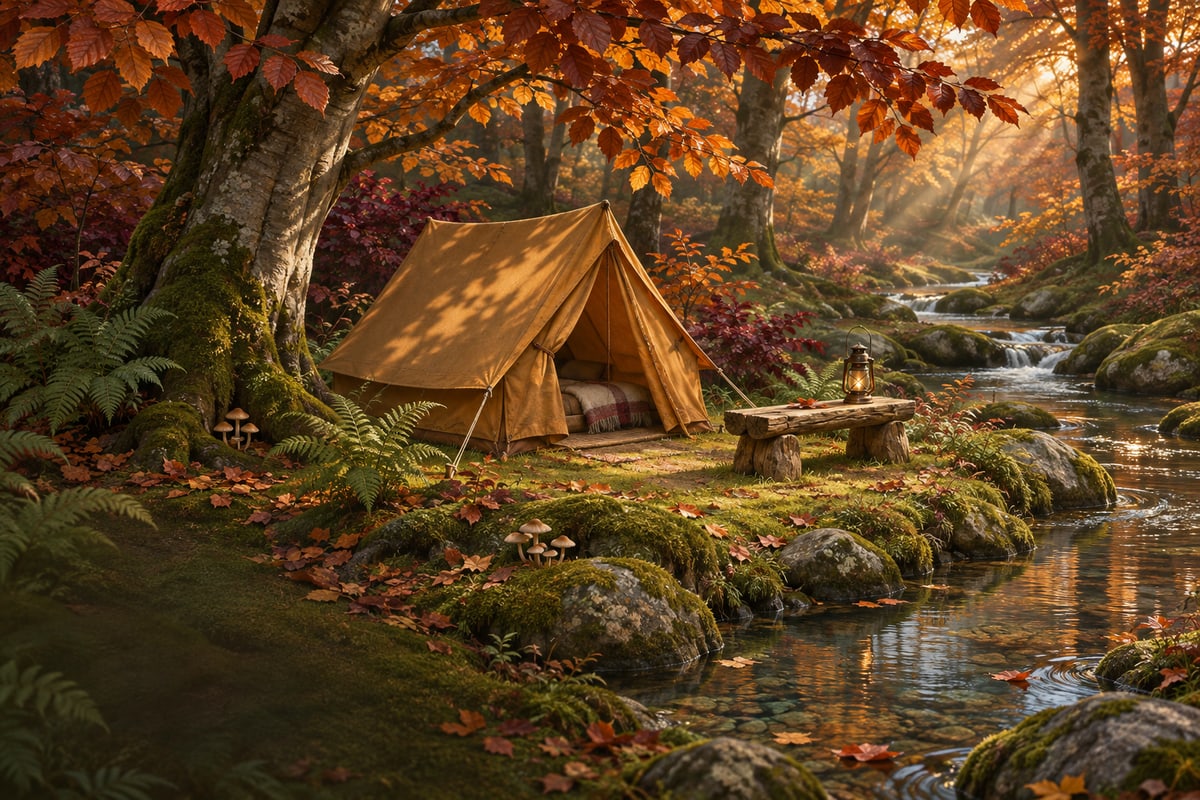
Make room between the autumn trees.

Follow the narrow mountain choices.

Balance the clues along the shore.
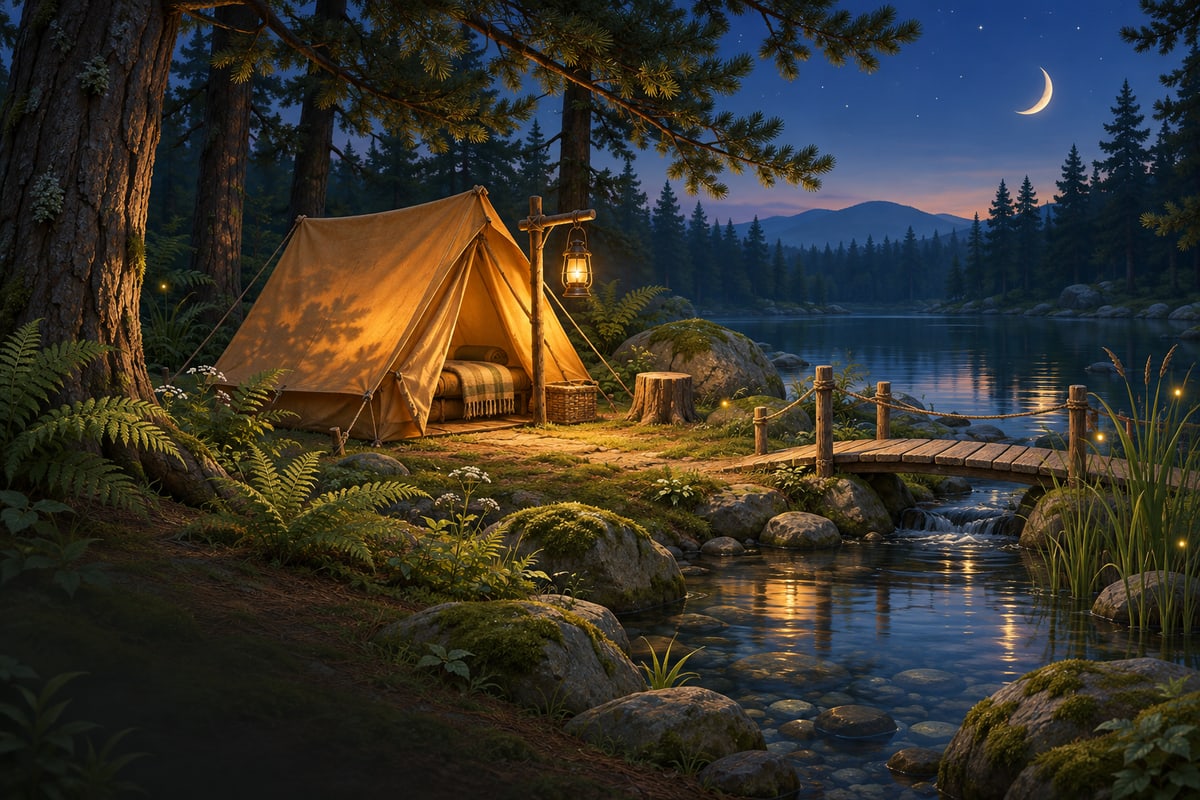
Bring the deepest deductions together.
A small reason to return
A separate collection of 365 puzzles supplies one page each UTC day and cycles when the bank is exhausted. A 14-day archive keeps recent days open, with no streak to lose.
Settle 12, 24, 36 and 48 different camps in each landscape to earn its four journal notes. Each note holds a small memory of that place. Replaying a page keeps earned notes safe.
Quiet Camp support
Quiet Camp 1.0.0 supports iPhone and iPad on iOS or iPadOS 17 and later, with an English interface. Puzzles and progress work offline.
Quiet Camp is available on the App Store for iPhone and iPad: download Quiet Camp.
Place one tent for each tree, in a square directly above, below, left or right. Match every row and column's required count. Tents cannot touch each other, including diagonally, and cannot occupy a tree. Every tree and tent must fit a complete one-to-one pairing. A tent may be beside several trees if a complete pairing is still possible. You do not need to mark every unused square Grass to finish.
Choose Tent, Grass or Erase, then tap a square. Tap the same mark again to clear it. Trees stay fixed. Undo and Redo let you revisit a choice. Use Larger cells when a detailed board needs more space, then scroll the board if it extends beyond the screen.
Open the Field guide and choose Practice. Three short steps let you try a zero clue, find a tent beside a tree and leave space between tents. Practice keeps your journey and earned notes as they are. You can skip with Close, switch to Rules or reopen the guide later.
Look for a row or column that needs no more tents, a tree with only one possible neighboring square, or a place ruled out by another tent. Hint explains a next step before you decide whether to apply it. If earlier tentative marks leave no complete camp, guidance may offer a square to clear and reopen a valid possibility. You can choose whether to apply it, revisit your marks or use Undo. Reset keeps completed-page credit and earned journal notes.
No. All six landscapes are available for practice. The numbered campaign provides the intended learning path. You can reopen the field guide when you want to review the rules. Completing different campaign pages earns journal notes. Replaying the same page does not duplicate rewards.
Each UTC date selects one puzzle from a separate 365-puzzle bank. This collection cycles; it is not an unlimited supply of never-repeated puzzles. The daily archive in Your journey gives access to the most recent 14 days. There is no streak penalty for missing a day.
Current marks, completed campaign and daily pages, bounded Undo and Redo history, journal progress and preferences stay in the app's private storage on your device. Quiet Camp has no account, Hishi cloud save or built-in synchronization between devices. Apple backups may include app data according to your settings. Contact support before deleting or reinstalling if you need to preserve your progress.
Quiet Camp 1.0.0 includes no ads, purchases, subscriptions, game account or analytics SDK. Its gameplay runs on your device. This website's visitor measurement is separate from the offline app; see the Quiet Camp privacy policy.
Open Settings to choose paper and camp sounds, gentle haptics, Calm motion, conflict highlighting and larger board cells. System Reduce Motion is also respected. Named cell buttons and numeric counts provide information independently of sound and haptics.
Email hishigames@proton.me with your device model, iOS or iPadOS version, app version, landscape and page number, and what happened. A screenshot can help.
Please leave out passwords, payment details and unrelated personal information. We cannot retrieve the local camp book from your device.